
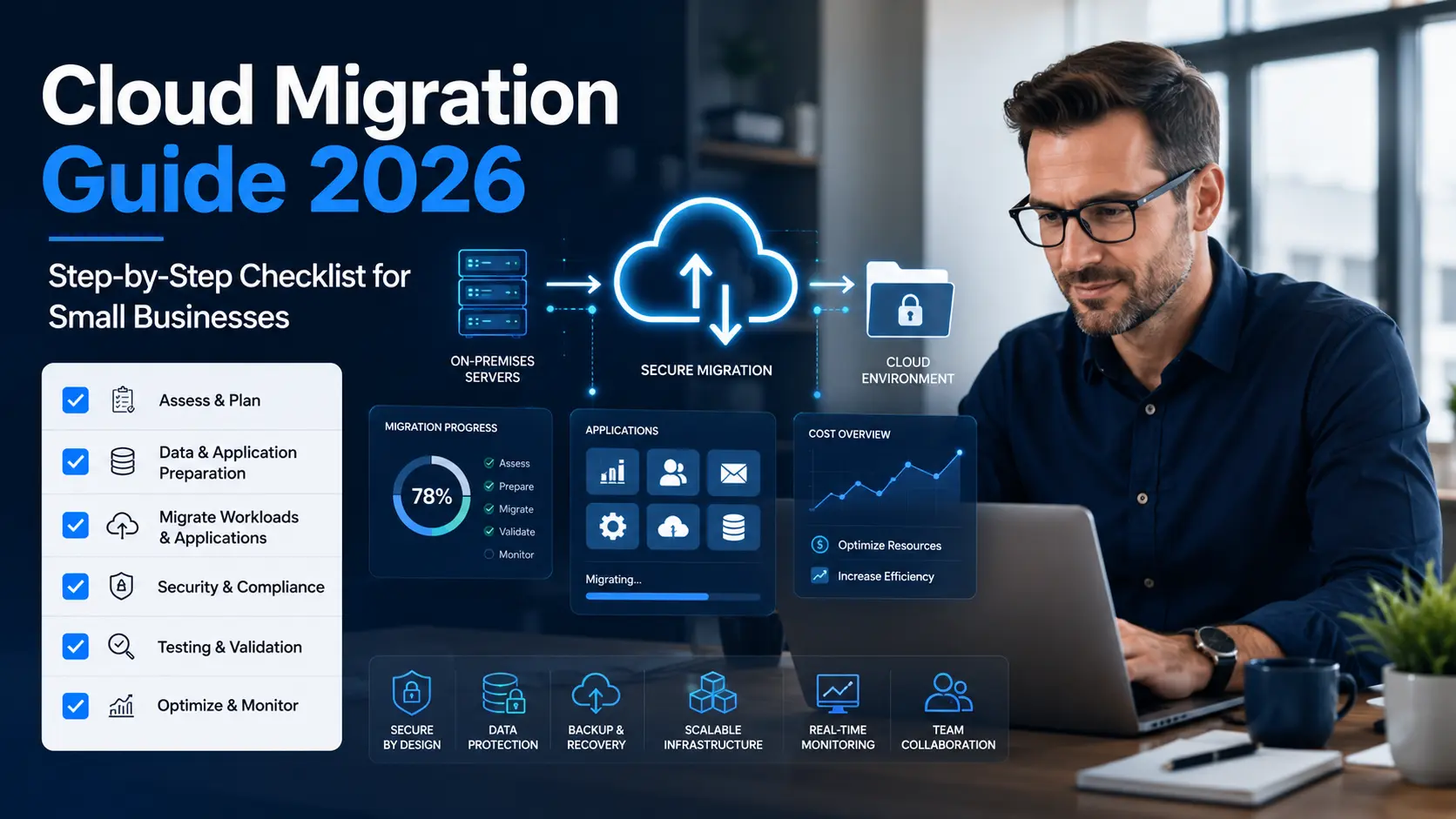
Cloud Migration Guide 2026: Step-by-Step Checklist for Small Businesses
Summary
Cloud migration helps small businesses move applications, data, files, databases, and infrastructure from local servers or outdated systems to a secure cloud environment. For U.S. small businesses, the main benefits include better flexibility, stronger security, easier remote access, reduced hardware dependency, and improved scalability.
The best cloud migration strategy is not only about moving everything quickly. It is about planning carefully, choosing the right cloud model, protecting business data, testing applications, and optimizing costs after migration. Tekizz IT Services Inc. helps businesses plan and execute smooth cloud migration with secure DevOps, automation, monitoring, and long-term support.
Introduction
Many small businesses still depend on old servers, manual backups, local storage, outdated software, and disconnected systems. At first, this setup may feel manageable. But as the business grows, these systems can become slow, expensive, risky, and difficult to maintain.
That is why cloud migration has become one of the most important technology moves for small businesses in 2026.
A well-planned cloud migration can help your company improve performance, support remote teams, reduce downtime, protect data, and scale faster without investing heavily in physical infrastructure.
However, moving to the cloud without a proper plan can create problems such as data loss, security gaps, unexpected costs, application downtime, and poor user experience.
This guide explains a practical cloud migration checklist for small businesses and shows how Tekizz IT Services Inc. can help U.S. businesses move to the cloud with confidence.
What Is Cloud Migration?
Cloud migration is the process of moving business applications, databases, files, servers, workloads, and IT systems from on-premise infrastructure or legacy platforms to a cloud environment.
This cloud environment may include public cloud, private cloud, hybrid cloud, or multi-cloud infrastructure depending on the company’s needs.
In simple words, cloud migration means moving your technology from limited local systems to a more flexible, internet-accessible, and scalable infrastructure.
For small businesses, cloud migration can support:
- Remote work and team collaboration
- Secure file storage and backup
- Application hosting
- Database modernization
- Disaster recovery planning
- Customer portals and business dashboards
- Website and web application performance
- Business automation and integration
If your business needs professional help with cloud planning, deployment, automation, and monitoring, our cloud and DevOps services can support the full migration journey.
Why Small Businesses Are Moving to the Cloud in 2026
Small businesses are moving to the cloud because they need more flexibility, better security, faster access to data, and lower dependency on physical servers.
Business owners no longer want systems that only work from one office location. Teams need access from different places, customers expect faster digital experiences, and managers need real-time visibility into operations.
Cloud migration helps small businesses solve these problems by creating a stronger digital foundation.
Better Scalability
Cloud systems allow businesses to increase or reduce resources based on demand. If your website traffic grows, your application usage increases, or your database becomes larger, cloud infrastructure can scale more easily than traditional servers.
Improved Remote Access
Cloud-based systems allow employees to access business tools, files, and applications securely from different locations. This is helpful for remote teams, field staff, sales teams, and multi-location businesses.
Reduced Hardware Dependency
Instead of buying and maintaining physical servers, businesses can use cloud infrastructure and pay based on usage, capacity, or subscription model.
Stronger Backup and Recovery
Cloud platforms can support automated backup, disaster recovery, and business continuity planning. This helps reduce the risk of losing important business data.
Faster Deployment
Cloud infrastructure allows businesses to launch applications, websites, portals, and internal tools faster with automated deployment workflows.
Types of Cloud Migration for Small Businesses
There is no single cloud migration approach that fits every business. The right strategy depends on your current systems, budget, security needs, applications, and growth plans.
1. Lift and Shift Migration
Lift and shift means moving applications or servers to the cloud with minimal changes. This is often a faster migration method, but it may not fully optimize performance or cost.
This approach is useful when a business wants to move quickly and modernize later.
2. Replatforming
Replatforming means making small improvements during migration. For example, you may move a database to a managed cloud database service or improve application hosting without rebuilding the entire system.
This gives better performance than basic lift and shift while keeping migration manageable.
3. Refactoring
Refactoring means redesigning or rebuilding an application to fully use cloud-native features. This can improve scalability, speed, automation, and reliability.
For businesses with outdated applications, our custom software development services can help modernize legacy systems for the cloud.
4. Hybrid Cloud Migration
Hybrid cloud combines on-premise systems with cloud services. This is useful when a company wants to keep some sensitive systems internal while moving other workloads to the cloud.
5. Multi-Cloud Migration
Multi-cloud means using more than one cloud provider or cloud environment. This can improve flexibility, but it requires stronger planning, monitoring, and governance.
Cloud Migration Checklist for Small Businesses
A successful cloud migration starts with a clear checklist. This helps your team avoid confusion, reduce downtime, and protect important business data.
Step 1: Define Your Business Goals
Before moving anything to the cloud, define why your business needs cloud migration.
Common goals include:
- Reducing server maintenance
- Improving application performance
- Supporting remote work
- Improving backup and disaster recovery
- Reducing downtime
- Improving security
- Scaling customer-facing applications
- Modernizing outdated systems
Clear goals help you choose the right cloud strategy and avoid unnecessary spending.
Step 2: Audit Your Current IT Environment
The next step is to understand what you already have. List your servers, applications, databases, storage systems, user accounts, integrations, security tools, and backup processes.
Your audit should answer these questions:
- Which applications are business-critical?
- Which systems are outdated?
- Which databases need migration?
- Which tools are used daily by employees?
- Which systems contain sensitive data?
- Which applications depend on each other?
This helps prevent surprises during migration.
Step 3: Choose the Right Cloud Model
Small businesses can choose between public cloud, private cloud, hybrid cloud, or multi-cloud infrastructure.
A public cloud can work well for websites, applications, storage, and standard business workloads. A private or hybrid cloud may be better for companies with strict compliance, privacy, or internal control requirements.
The best choice depends on your business process, data sensitivity, budget, and technical requirements.
Step 4: Review Security and Compliance Needs
Security should be planned before migration, not after. Cloud migration can improve security, but only if access control, encryption, monitoring, backup, and compliance rules are configured properly.
Security planning should include:
- User access permissions
- Multi-factor authentication
- Data encryption
- Firewall and network rules
- Backup and recovery policies
- Activity logs and monitoring
- Compliance requirements
If your company handles sensitive data, our cybersecurity services can help strengthen access control, cloud security, and risk management before and after migration.
Step 5: Create a Data Backup Plan
Before migration begins, create a complete backup of important files, databases, application settings, and business records.
Backups should be tested before migration. A backup is only useful if it can actually be restored when needed.
This step protects your business from accidental data loss during migration.
Step 6: Prioritize What to Migrate First
Not every system should move at the same time. Start with low-risk workloads or systems that are easier to migrate. Then move business-critical applications after proper testing.
A phased migration reduces risk and gives your team time to adjust.
Step 7: Plan Downtime and Communication
Some migration activities may require temporary downtime. Your team should know when migration will happen, which systems may be affected, and how long the process may take.
Clear communication prevents confusion and helps employees prepare.
Step 8: Migrate Applications and Data
Once planning is complete, begin migration based on priority. This may include moving websites, applications, databases, file storage, email systems, internal tools, or business platforms.
During this stage, technical teams should monitor performance, logs, errors, and access permissions closely.
Step 9: Test Everything Before Going Live
Testing is one of the most important parts of cloud migration. Before fully switching users to the new environment, test all key workflows.
Testing should include:
- Application login
- Database connection
- User roles and permissions
- File access
- Payment or billing workflows
- Website speed
- API integrations
- Backup and restore process
For business applications and connected platforms, our web application development services can help test, optimize, and improve cloud-based user experiences.
Step 10: Monitor and Optimize After Migration
Cloud migration does not end after launch. After migration, businesses should monitor system performance, security alerts, usage, cost, and user feedback.
Post-migration optimization helps reduce waste, improve speed, and keep cloud costs under control.
Cloud Migration Comparison Table
| Migration Type | Best For | Main Benefit | Challenge |
|---|---|---|---|
| Lift and Shift | Fast migration | Quick move to cloud | Less optimization |
| Replatforming | Small improvements during migration | Better performance | Needs planning |
| Refactoring | Legacy app modernization | Best scalability | More development effort |
| Hybrid Cloud | Mixed cloud and internal systems | Flexible control | More complex management |
| Multi-Cloud | Advanced cloud strategy | Provider flexibility | Needs strong governance |
Common Cloud Migration Mistakes to Avoid
Migrating Without a Strategy
Moving systems to the cloud without a clear plan can create downtime, cost increases, and security problems. Always start with business goals, system audit, and migration roadmap.
Ignoring Security Settings
Cloud platforms offer strong security features, but they must be configured correctly. Weak permissions, exposed databases, and poor access control can create serious risks.
Moving Everything at Once
Trying to migrate all systems at the same time can increase risk. A phased approach is usually safer for small businesses.
Forgetting Cost Optimization
Cloud costs can grow if resources are not monitored. Businesses should review usage, remove unused resources, and optimize storage, compute, and backup settings.
Not Training the Team
Employees need to understand how to use new cloud systems securely and efficiently. Training improves adoption and reduces mistakes.
Benefits of Cloud Migration for Small Businesses
Lower Infrastructure Burden
Cloud migration reduces the need to manage physical servers, hardware upgrades, and local storage systems.
Better Business Continuity
Cloud backup and disaster recovery options help businesses recover faster from outages, hardware failure, or accidental data loss.
Improved Collaboration
Cloud systems allow teams to access shared tools, files, dashboards, and applications from different locations.
Faster Innovation
With cloud infrastructure, businesses can launch new applications, test ideas, and scale digital services faster.
Stronger Visibility
Cloud monitoring tools can help business owners and IT teams track performance, usage, security events, and costs in real time.
How Tekizz IT Services Inc. Helps with Cloud Migration
Tekizz IT Services Inc. is a U.S.-registered IT services company helping small businesses and growing companies modernize their technology with secure, scalable, and reliable cloud solutions.
We help businesses plan and execute cloud migration with a practical approach focused on security, performance, and long-term growth.
Our cloud migration support can include:
- Cloud readiness assessment
- Application and database migration planning
- Cloud architecture design
- DevOps pipeline setup
- Cloud security configuration
- Backup and disaster recovery planning
- Performance monitoring
- Cost optimization
- Post-migration support
- Custom cloud application development
If your business wants to move from outdated systems to a modern cloud environment, contact Tekizz IT Services Inc. to discuss your cloud migration plan.
Frequently Asked Questions About Cloud Migration
What is cloud migration for small businesses?
Cloud migration is the process of moving business systems, data, applications, and infrastructure from local servers or old platforms to a cloud environment. It helps small businesses improve flexibility, scalability, access, and reliability.
How long does cloud migration take?
The timeline depends on the number of applications, amount of data, system complexity, and security requirements. A simple migration may take a few days or weeks, while larger projects may take longer.
Is cloud migration secure?
Cloud migration can be secure when access control, encryption, monitoring, backup, and compliance requirements are planned correctly. Security should be part of the migration strategy from the beginning.
What should a business migrate first?
Many businesses start with lower-risk workloads such as file storage, backup systems, websites, or internal tools. Business-critical applications should be migrated after proper testing and planning.
Can cloud migration reduce IT costs?
Cloud migration can reduce hardware and maintenance costs, but savings depend on planning and optimization. Without monitoring, cloud costs can increase, so businesses should review usage regularly.
Do small businesses need DevOps for cloud migration?
DevOps is helpful because it improves deployment, automation, monitoring, and reliability. For cloud-based applications, DevOps can make updates faster and reduce manual technical work.
Final Thoughts
Cloud migration is one of the most important technology decisions small businesses can make in 2026. It can improve flexibility, security, performance, collaboration, and business continuity.
But successful cloud migration requires more than moving files or servers. It needs a clear strategy, strong security, careful testing, and ongoing optimization.
With the right partner, small businesses can move to the cloud smoothly and build a stronger digital foundation for future growth.
Ready to Move Your Business to the Cloud?
Tekizz IT Services Inc. helps U.S. small businesses plan, migrate, secure, and optimize cloud environments with modern cloud and DevOps solutions.
Contact Tekizz IT Services Inc. today to discuss your cloud migration, DevOps, cybersecurity, or cloud application development project.